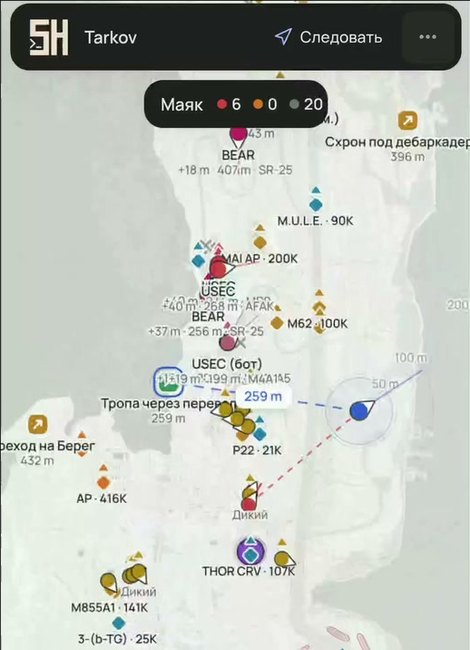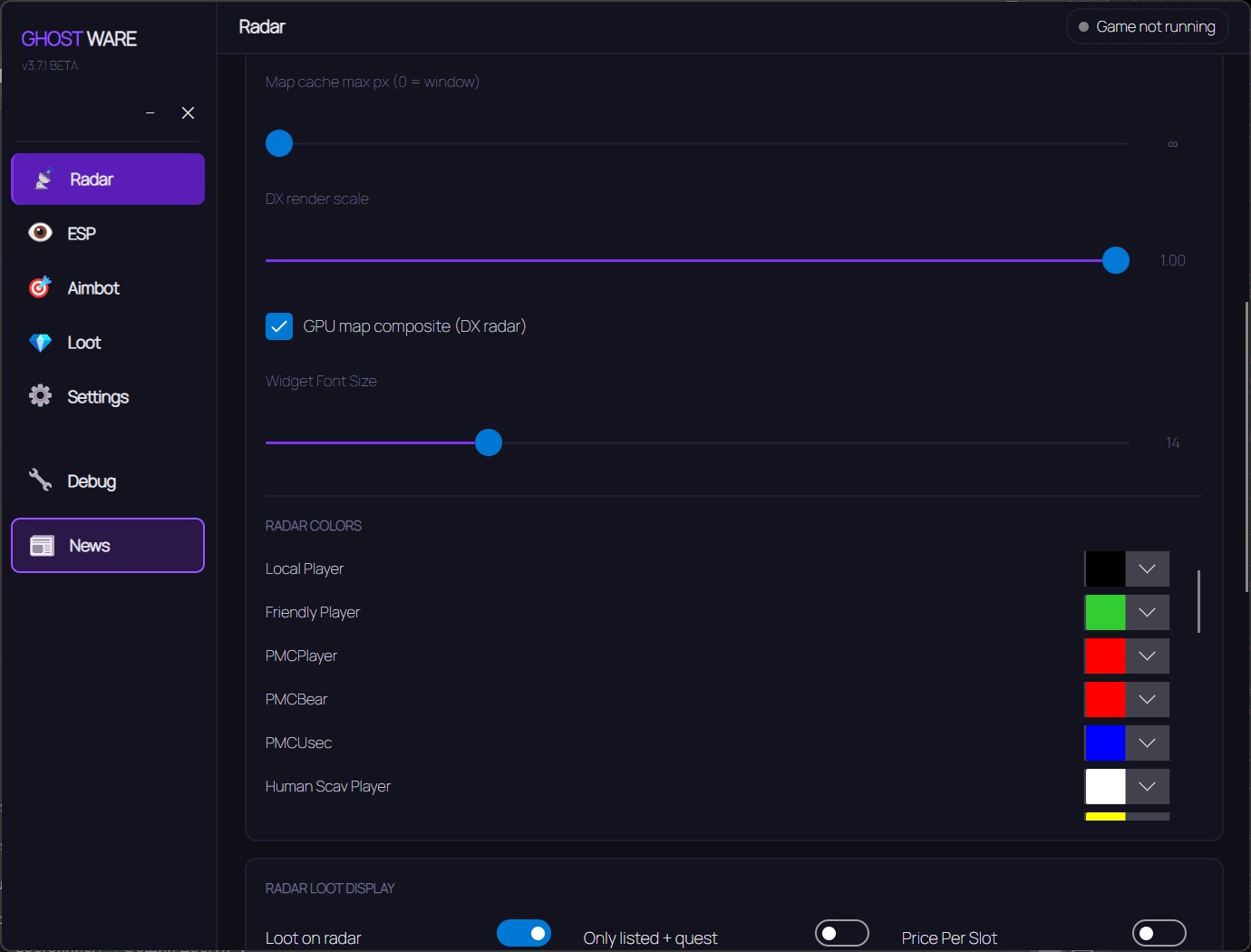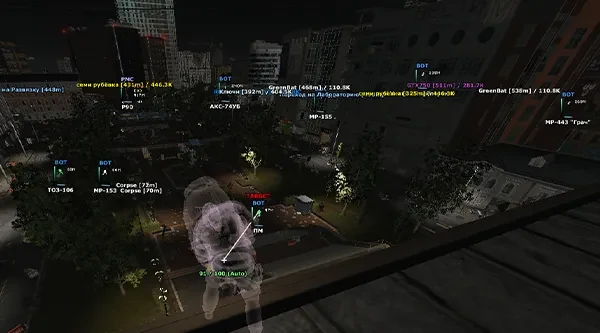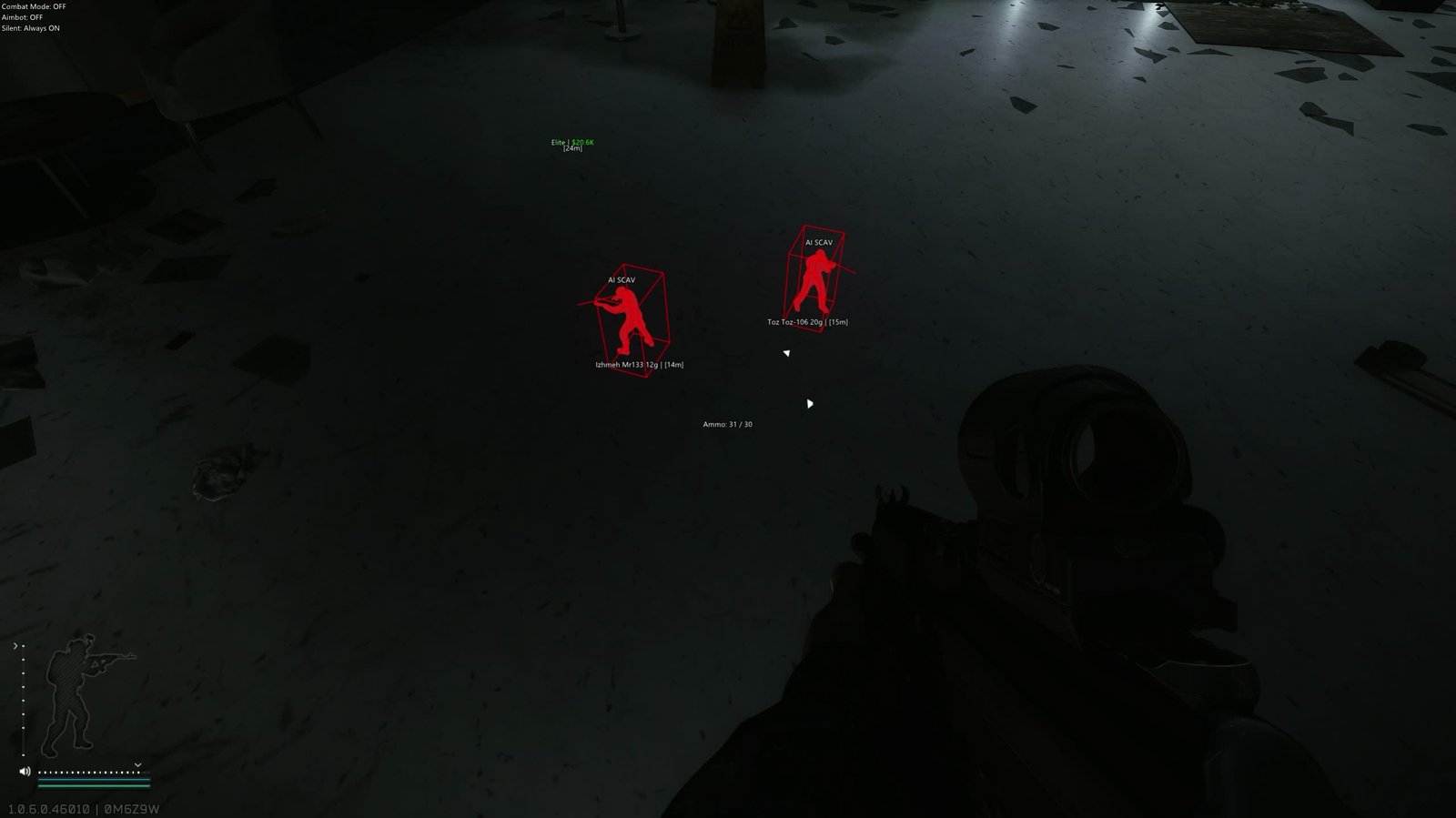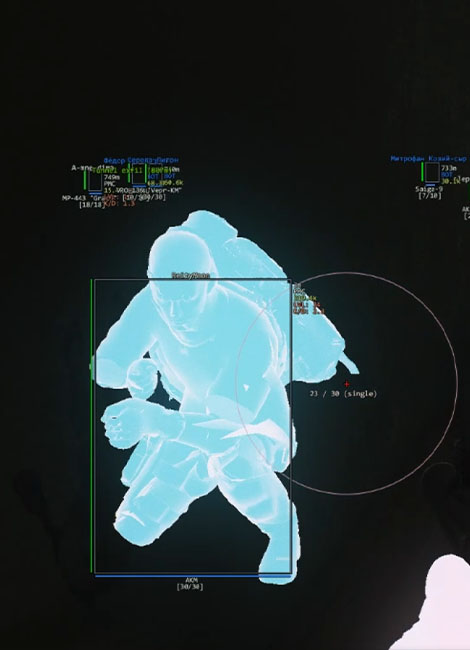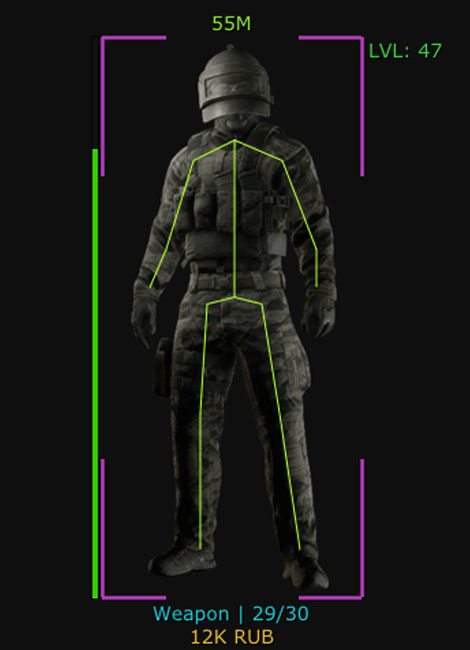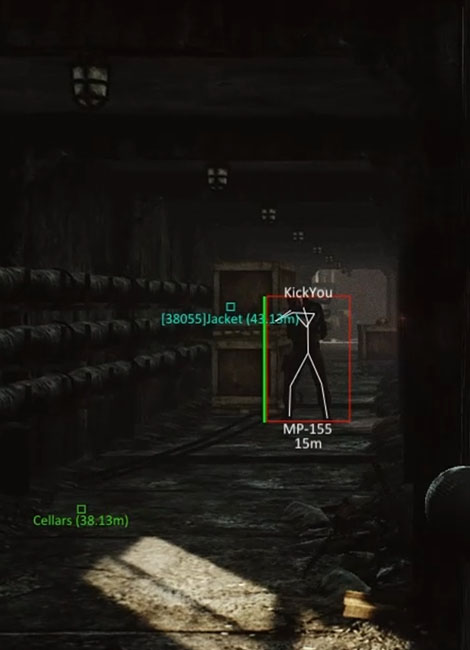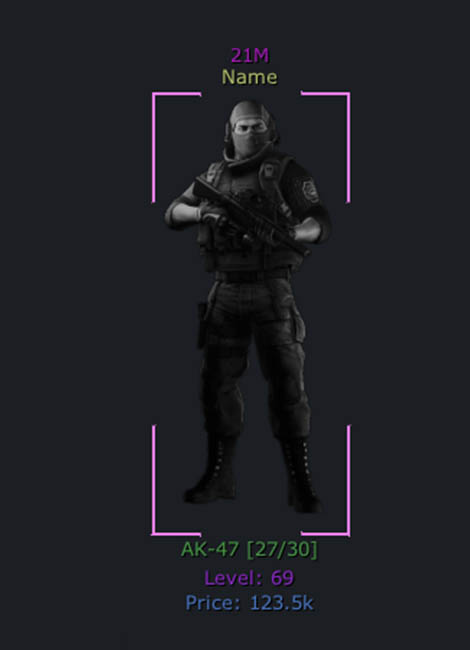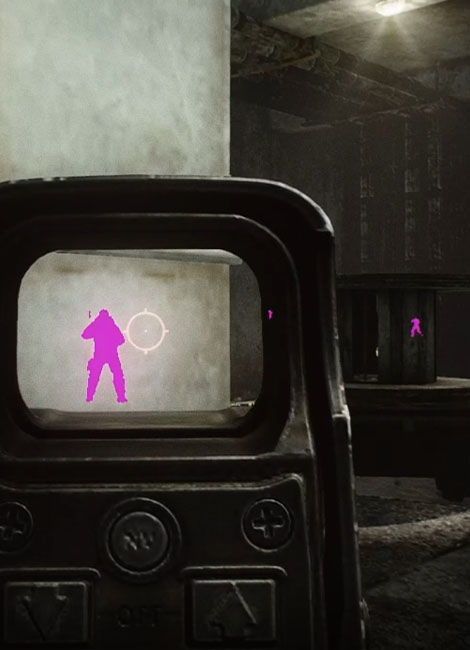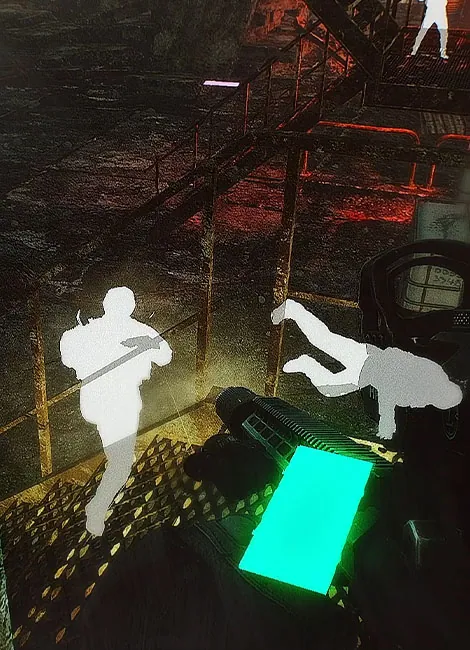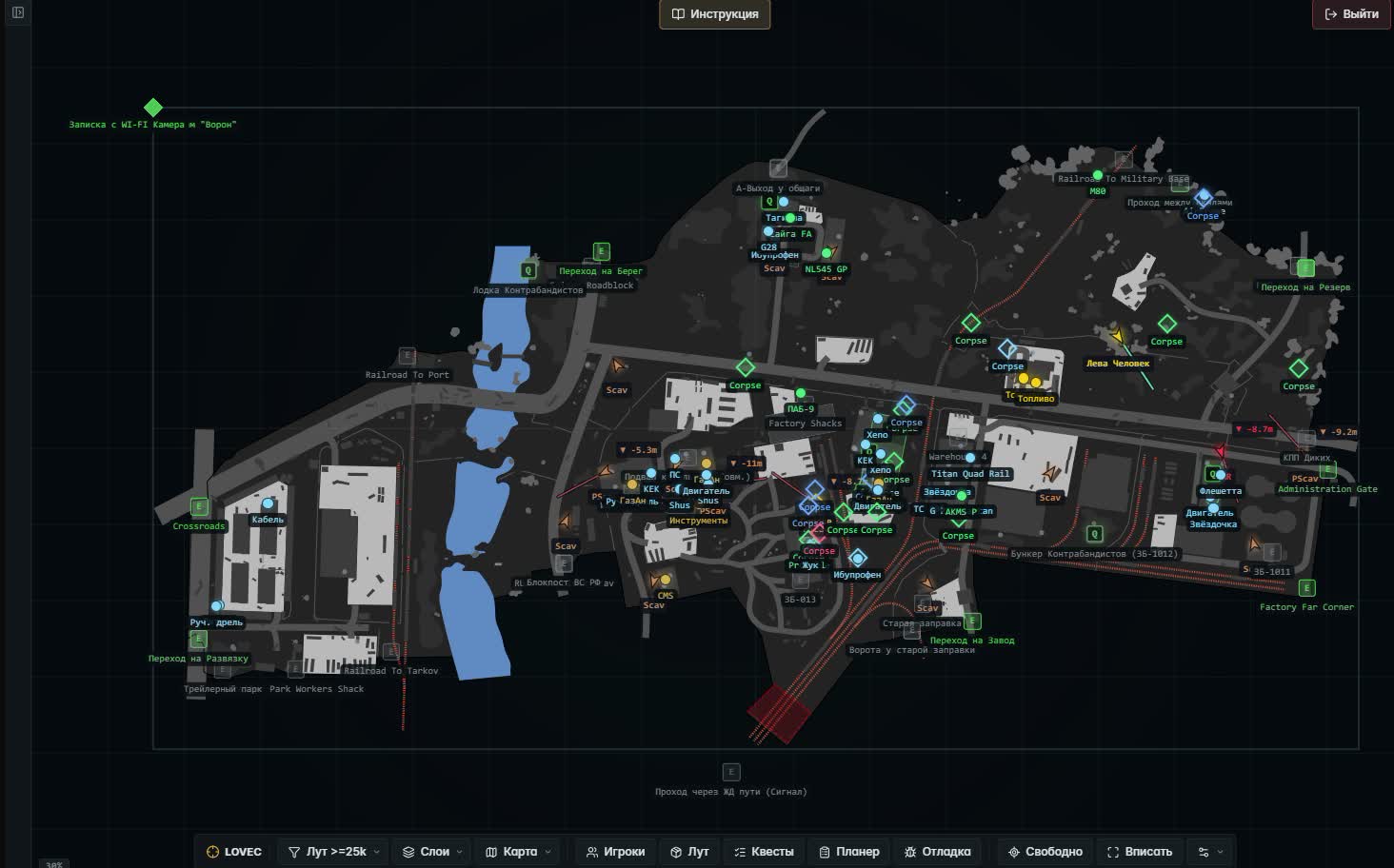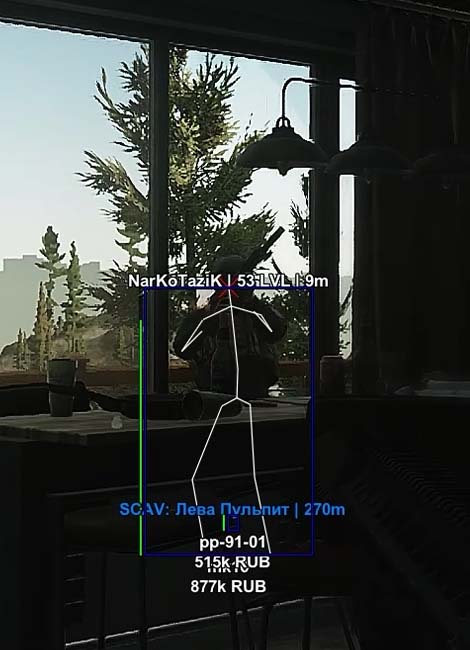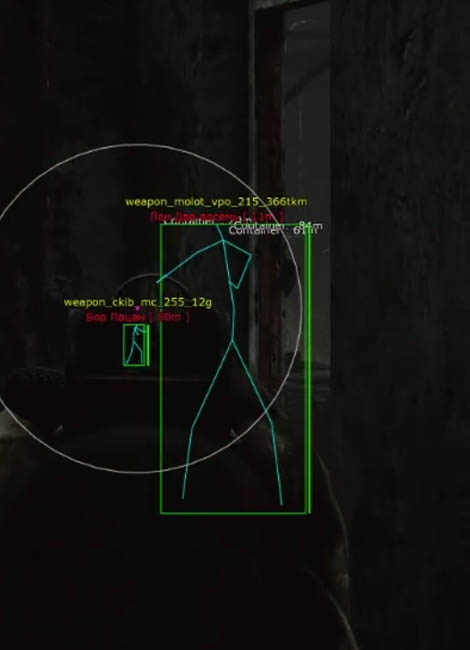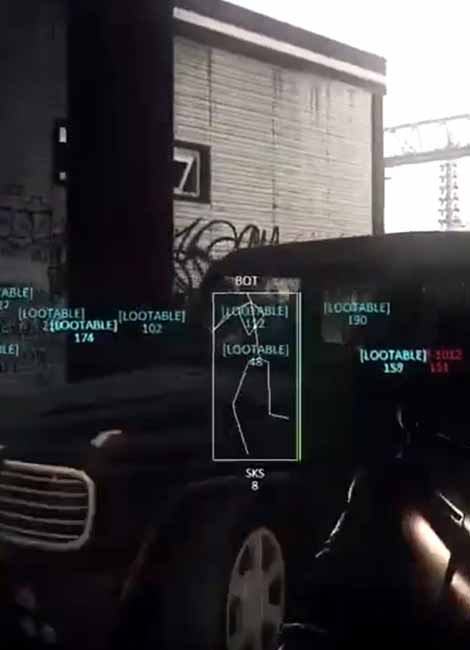
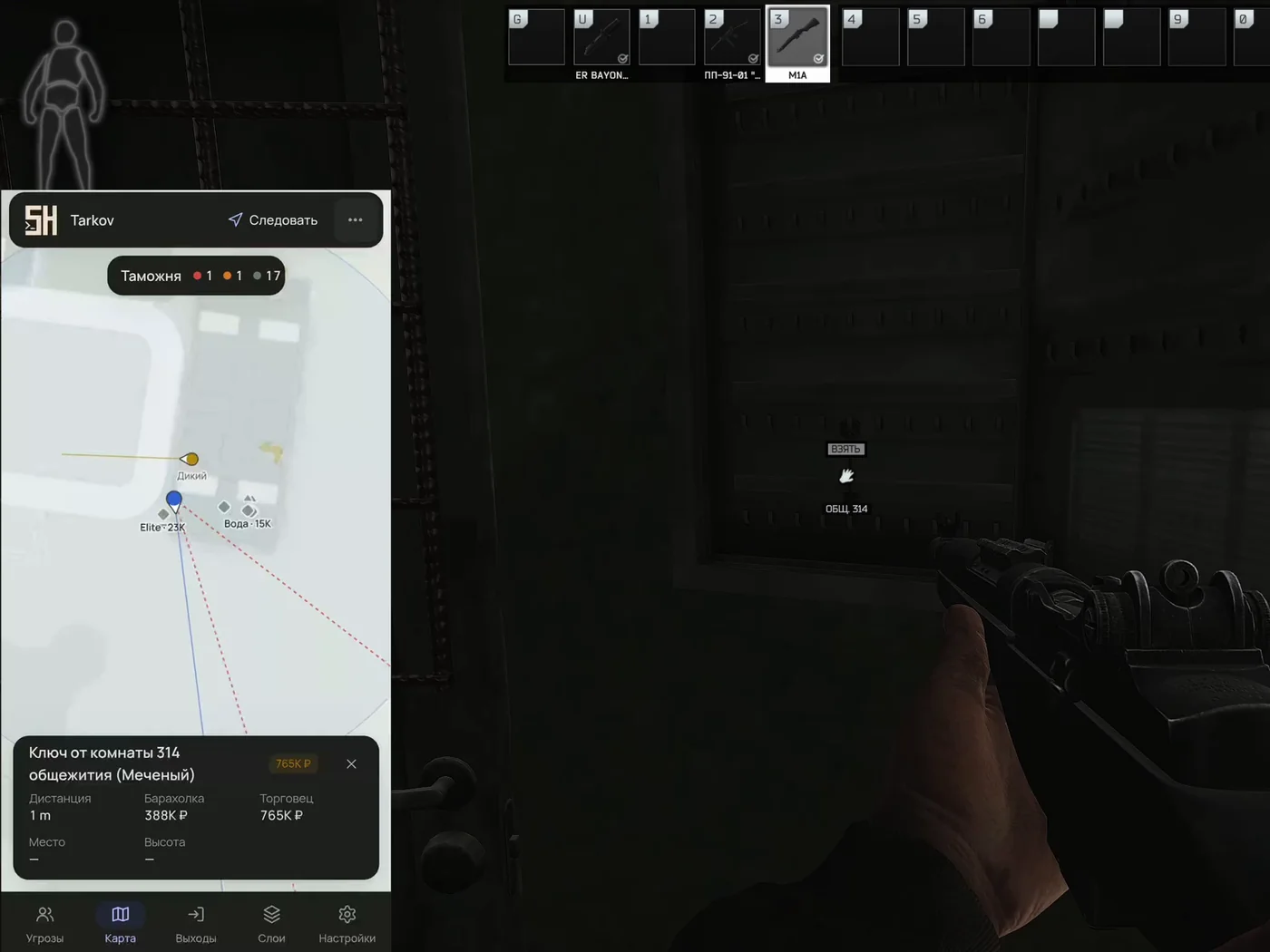
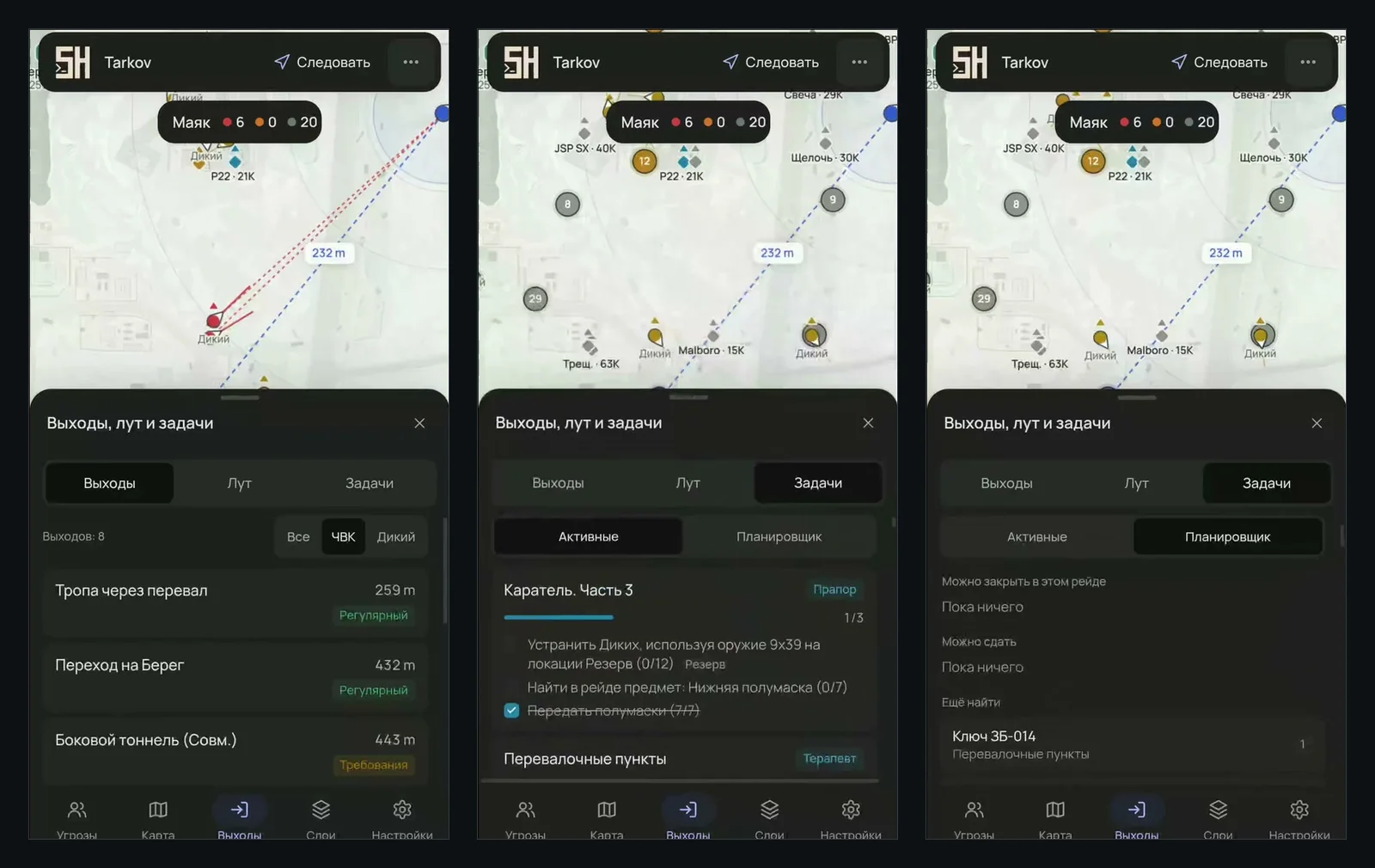
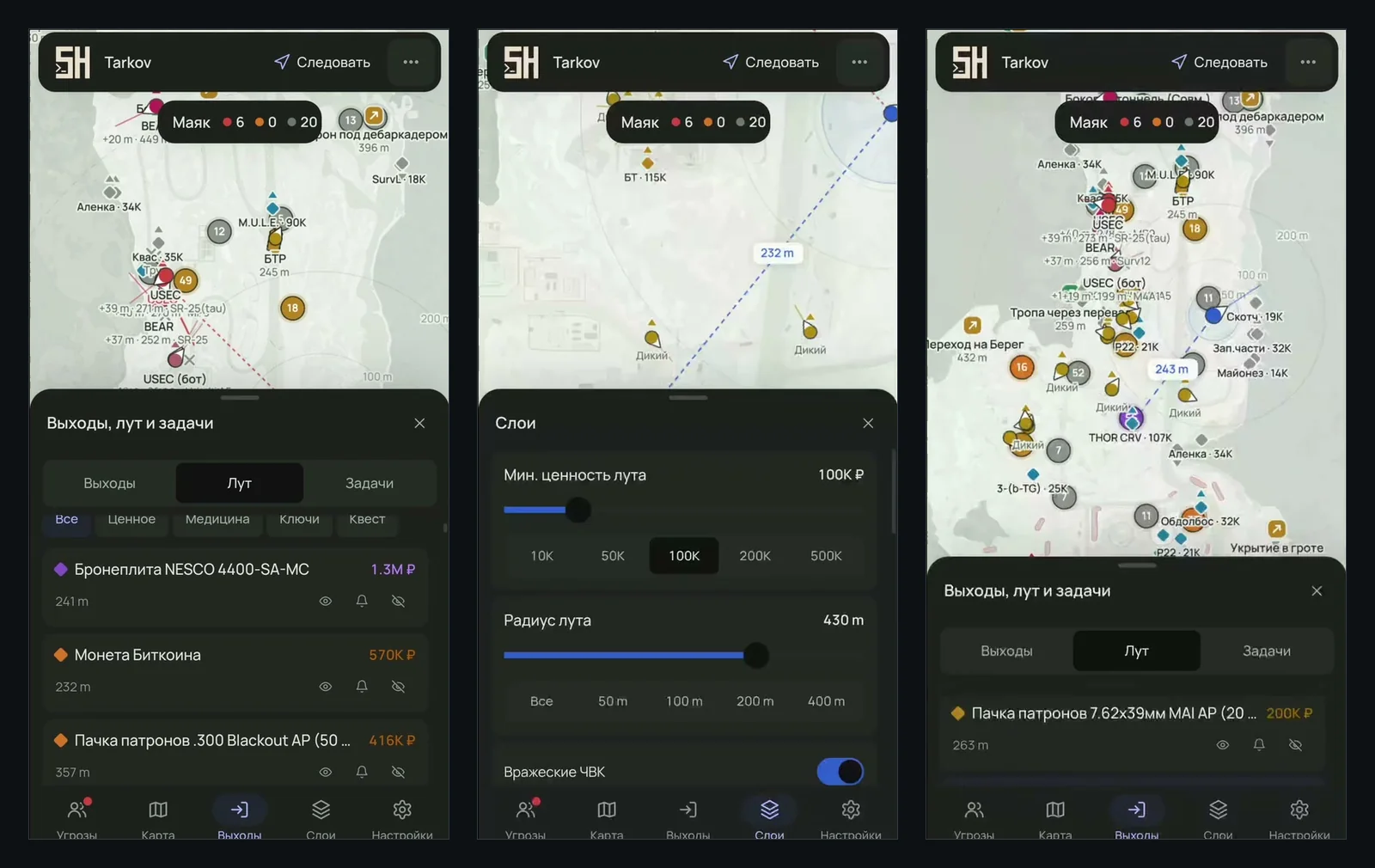
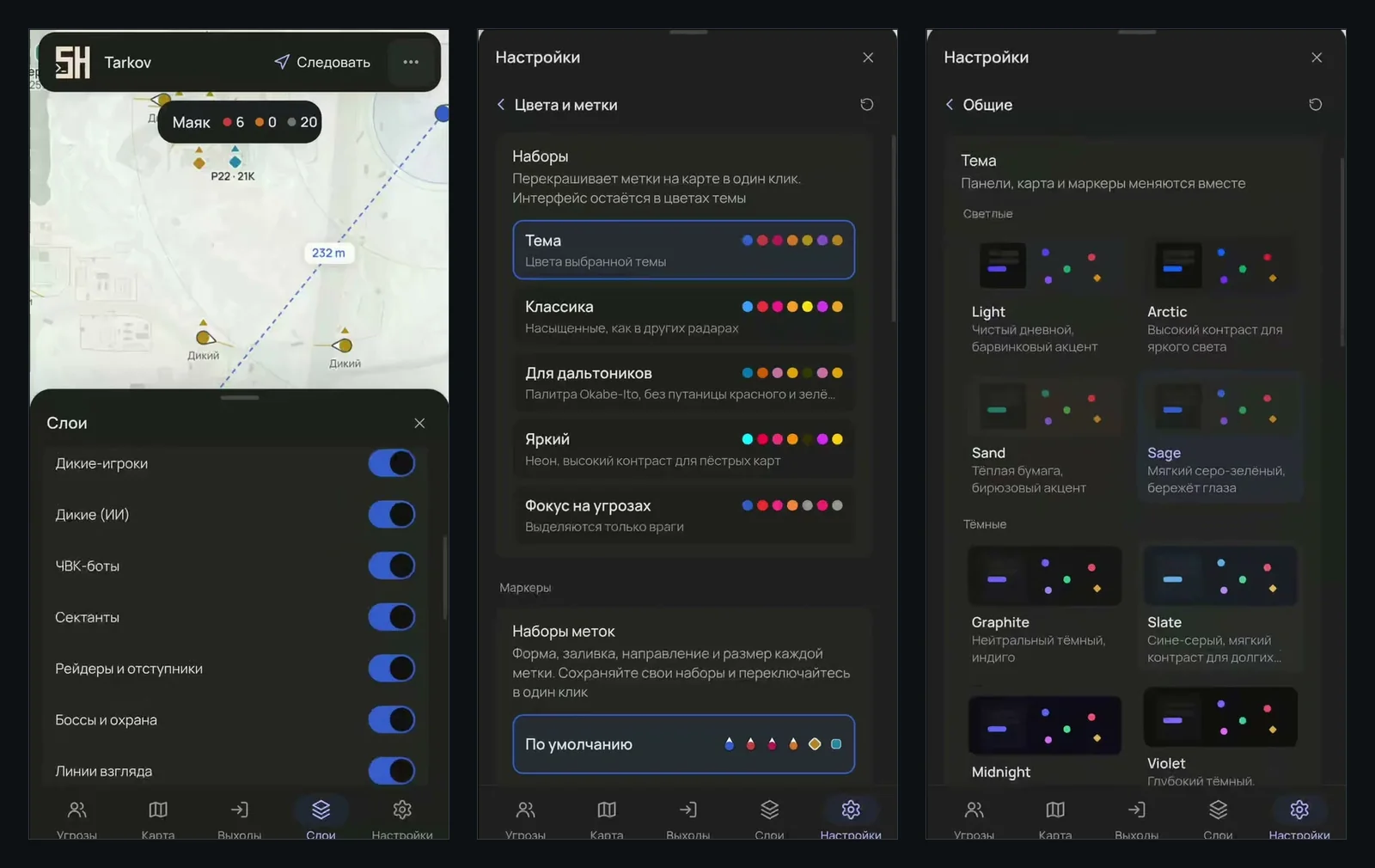

Two raids with the map open, then every tab of the interface one by one
What the map shows and how to use it
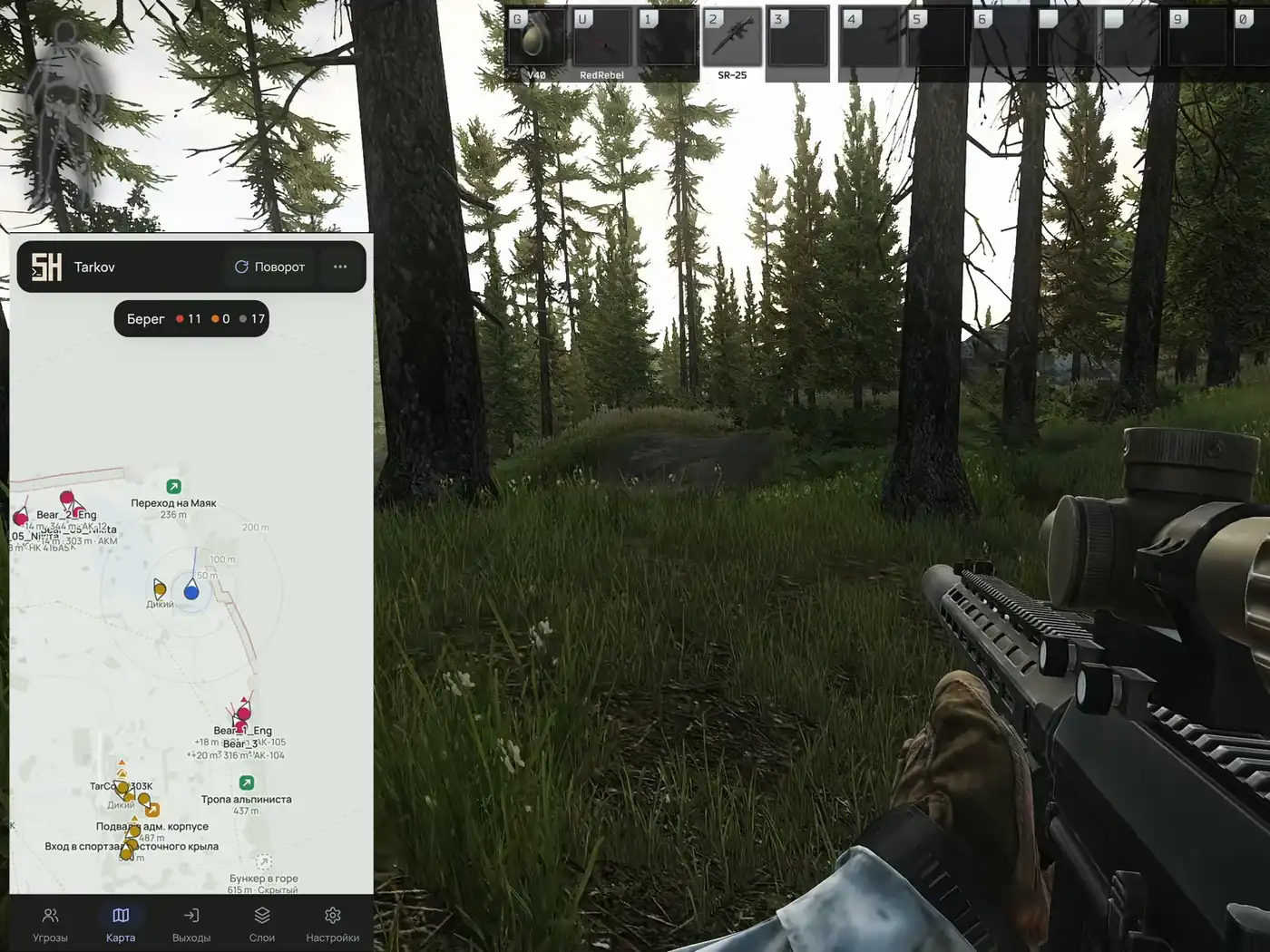
A client runs on your gaming PC. It is started by the Soft HUB loader, which itself runs from a USB stick. Once the radar is up, the loader hands you the map URL, and the rest happens in a browser: load it on your smartphone, on a tablet, on a laptop or in a spare window on the second display. You do not need a separate computer.
Inside Tarkov the radar draws nothing at all. The game frame stays clean, so an OBS recording or a Discord screen share looks like a regular raid. The connection between the client and the page is encrypted, and if it drops, the map reconnects on its own.
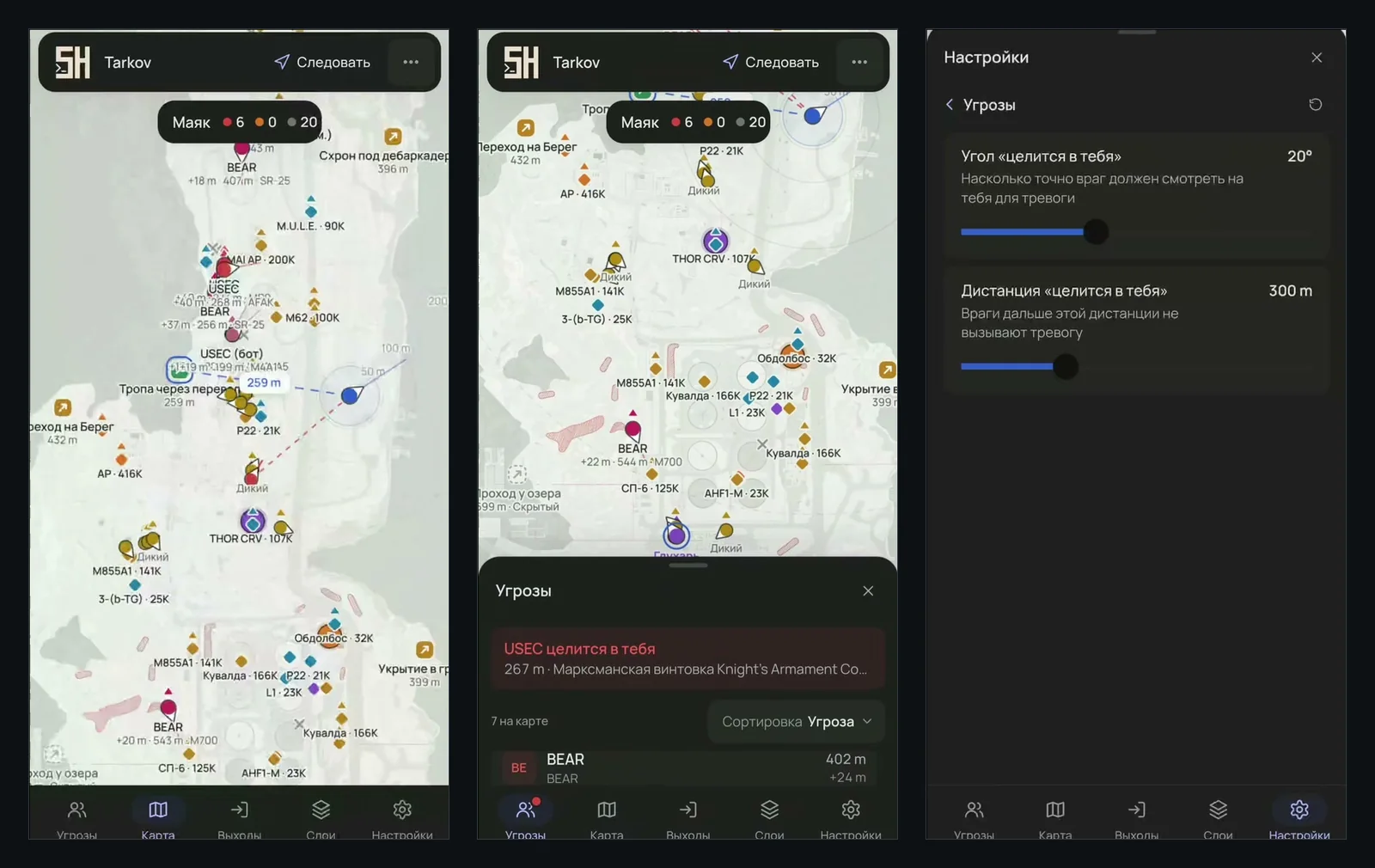
Drop the map URL into your Discord chat and the squad is in. Every teammate loads it on their own device and follows the same raid live. To have the radar measure from where they stand, a friend taps their own marker and chooses View from: enemy ranges and aim alerts now apply to them. Each viewer keeps their own theme, filters and marker size, so one person tweaking the look changes nothing for the others.
In a three-stack it splits nicely. One player watches loot and the way out, another keeps the threat list open, and the third goes after a quest knowing who is coming up behind.
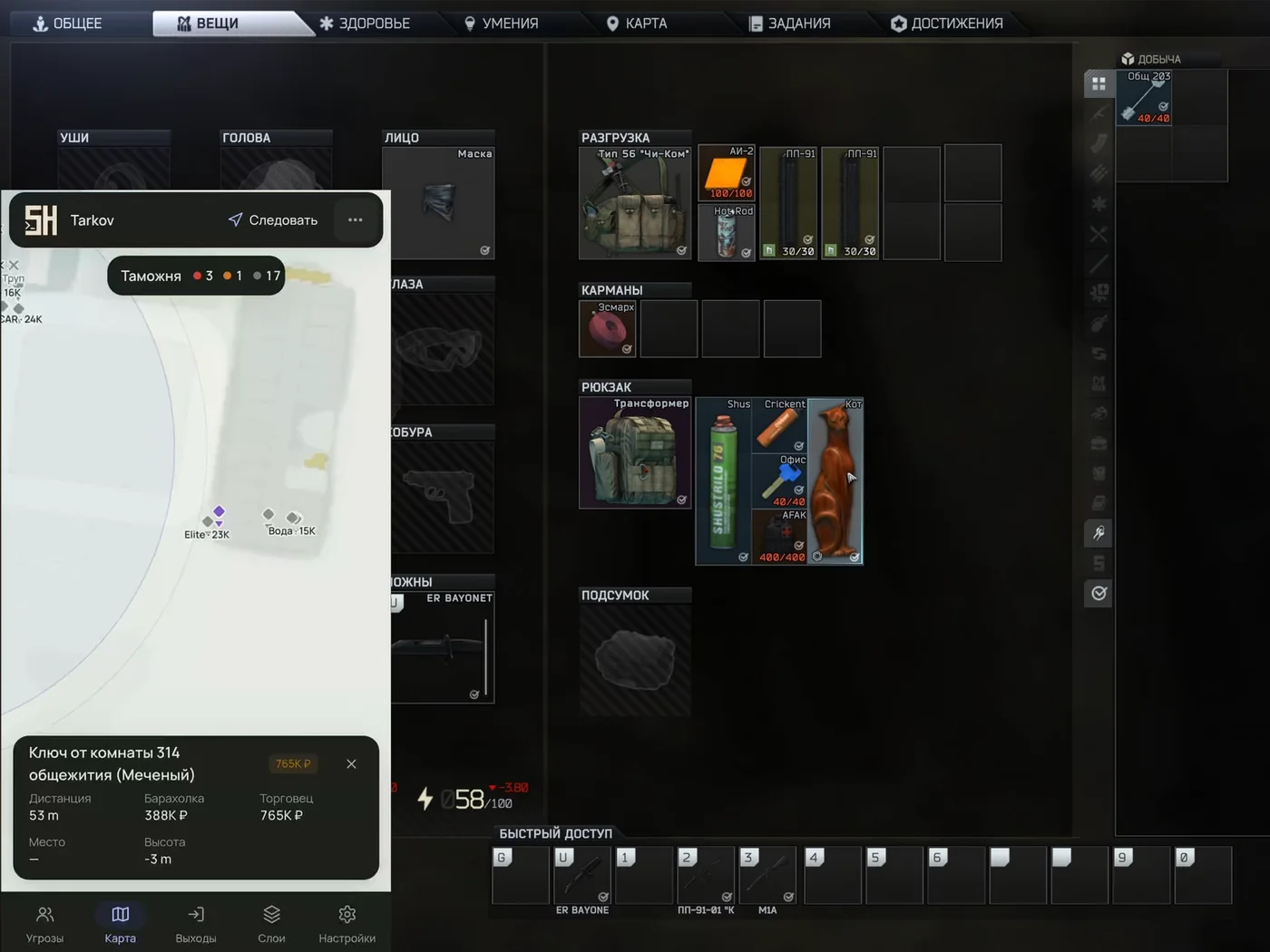
The Tasks tab lists your active quests with progress on every objective. It also tells you which key opens the door you need and how many hand-in items are still missing, marked FIR if the trader insists on found-in-raid gear. The planner sorts quests into four groups: what you can finish this raid, what is ready to hand in, what you still have to find and what belongs to other maps. It works from the location you are on right now.
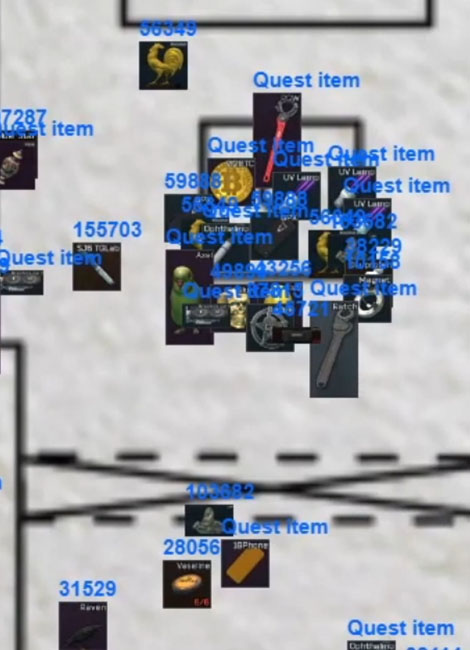
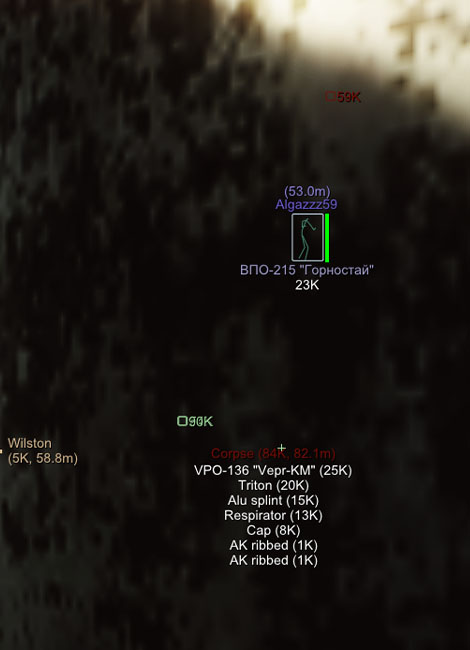
Quest items are always highlighted, even when the rest of the loot is cut by the price floor. Hunting for one flash drive or hard drive instead of everything at once? Raise the floor and only your target stays on the map.
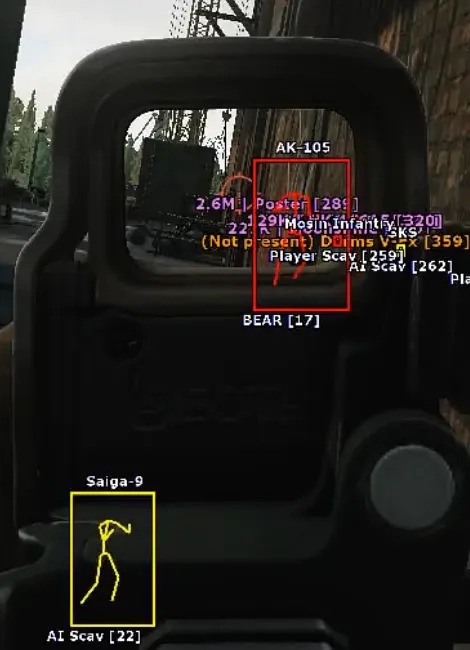
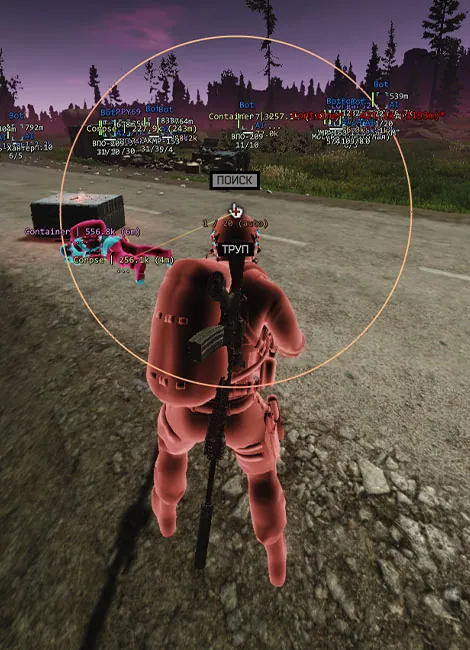
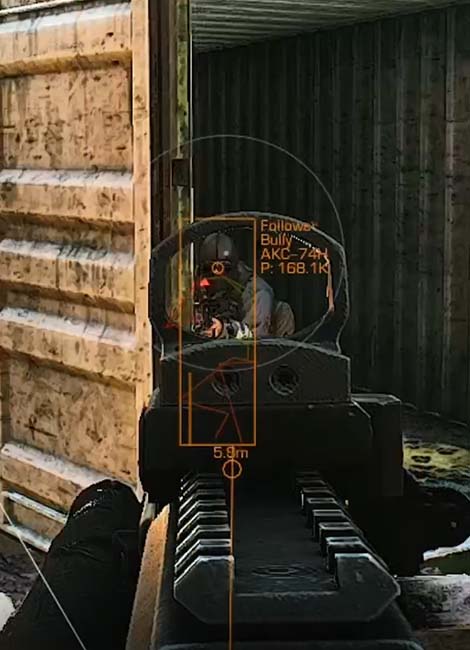
ESP draws highlights right in the game frame and shines in close fights, when there is no time to look away. Soft HUB has a separate Soft HUB ESP cheat for that. A radar solves a different problem: it shows the whole location at once, including what is behind you and on the far side of the map. It is the better tool for loot runs, quests and choosing an extract, and it leaves no trace in your game footage. If you want a map that does not run on the gaming PC at all, look at GhostWare DMA, but it needs its own hardware.
No USB stick at hand? A virtual drive made with OSFMount will do. A blue dot next to the product in the loader means the radar works. A yellow one with Product suspended means it is being updated after a patch, and sales are paused for that time. If something will not start, message the seller in the chat on oplata.info.
If the product can be purchased, it works. If every plan shows: "This product is out of stock. Subscribe for restock notification." — the seller has paused sales because of a game update.
>More about statuses<
No. The radar client runs on the same PC as Tarkov, and the map opens from a URL in any browser, whether that is your phone, a tablet, a laptop or a window on your other monitor.
The radar draws nothing inside the game window, so a Tarkov recording or a Discord stream shows a normal frame. If you put the map itself on stream, switch on Hide names and player names are replaced with their roles.
Yes, pass them the map URL from your loader. A teammate in the same raid switches on View from for their own marker, and the radar then measures ranges and catches aiming relative to them.
No. It tells you who is where, what is lying around, which exits you can use and what is left on your quests. Aiming and moving are entirely on you.
Yes. Both clients are supported, BSG Launcher and Steam. The map is detected automatically, the Labyrinth included.
The radar goes into update mode. The product in the loader gets a yellow dot that says Product suspended, and sales on oplata.info pause. Once the dot turns blue again, the radar works.
So that a ban lands somewhere other than the profile holding your stash and your played wipes, raids with software are run on a separate account. Steam accounts sorted by Tarkov edition start at 250 RUB: level one character, edition preserved, key delivered right after payment.
NFA Tarkov accounts →Take your time choosing a product — find the feature set and plan that fit you. This is your chance to pair your cheating experience with top developers.