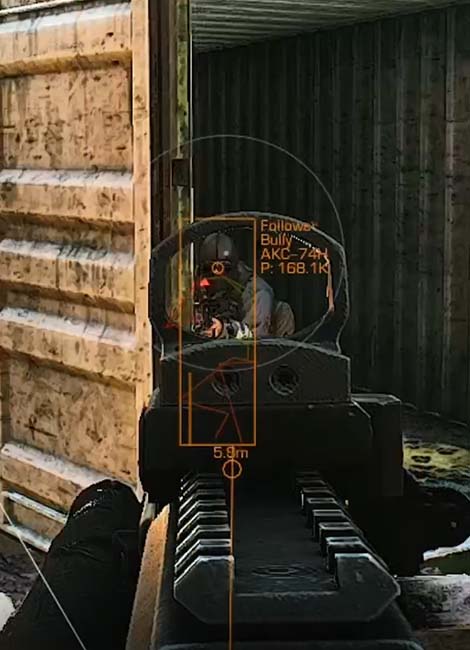
RADAR Private Cheat for Escape From Tarkov

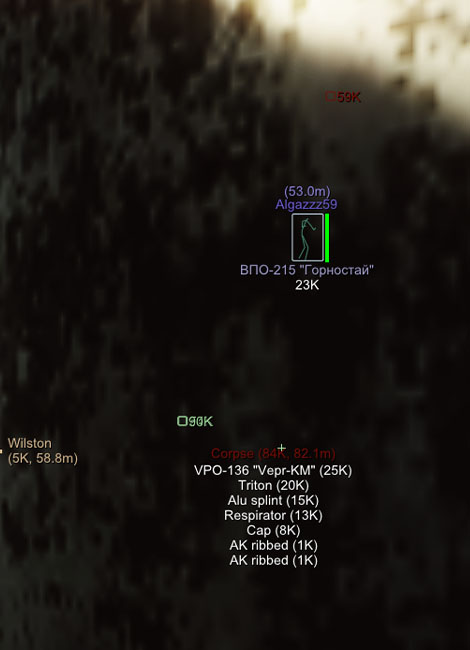
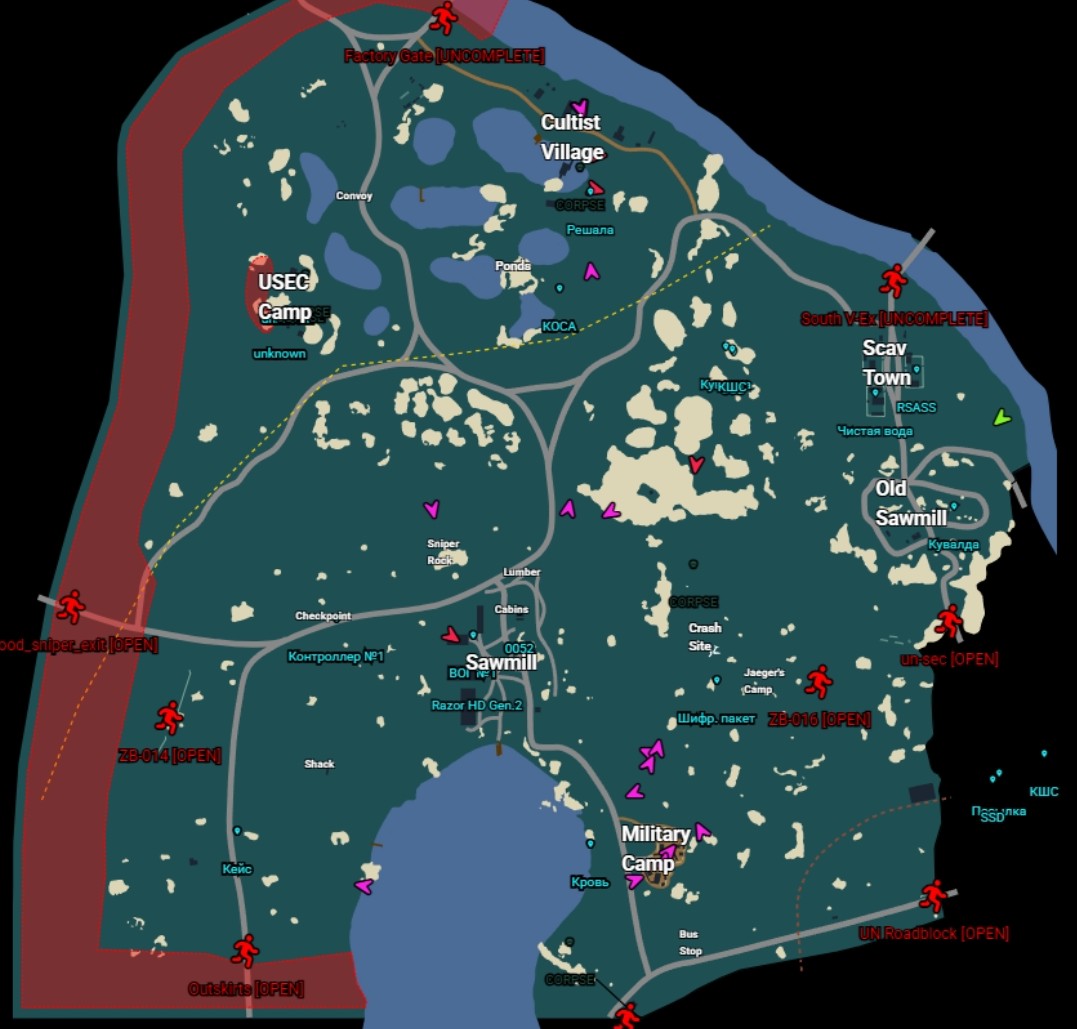
One of the safest technologies, depends on internet speed, may lag a little. A link is created after launching the game, you can open this link anywhere - on a second monitor, phone, tablet, TV, on a vacuum cleaner with browser support!
Technical Support

Cheat Features

This menu is in English, but you can enable browser translator, then everything will be in Russian.

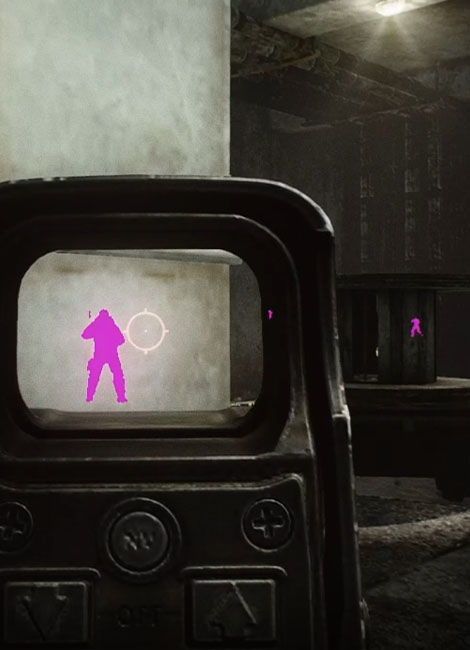
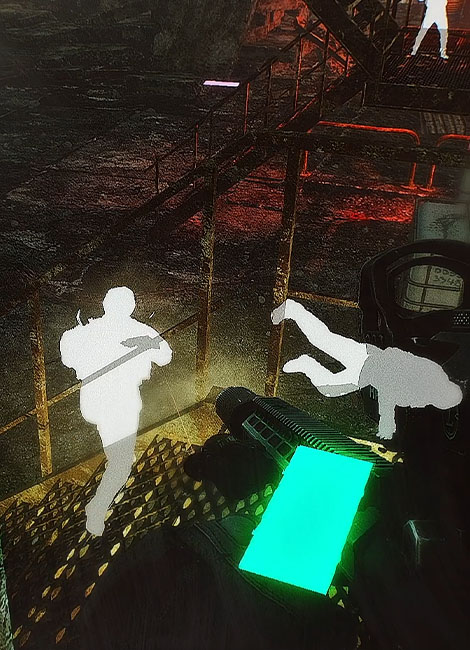
RADAR

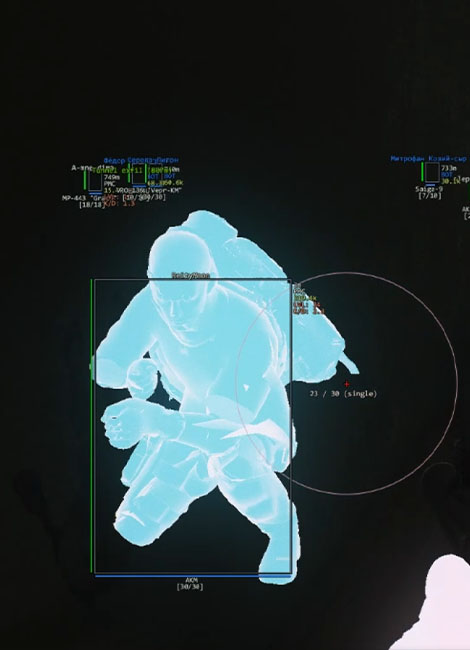
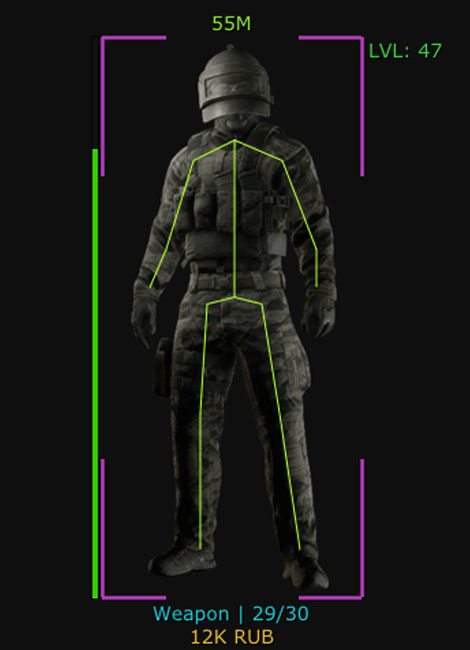
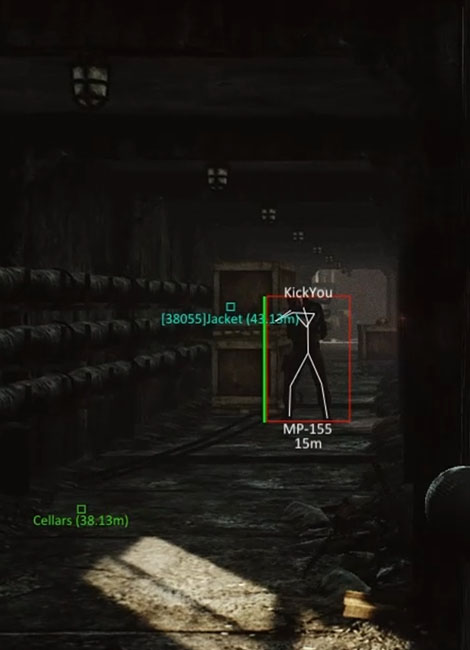
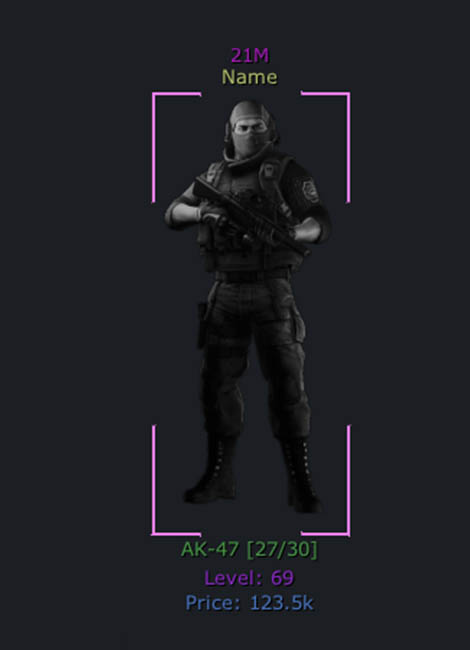
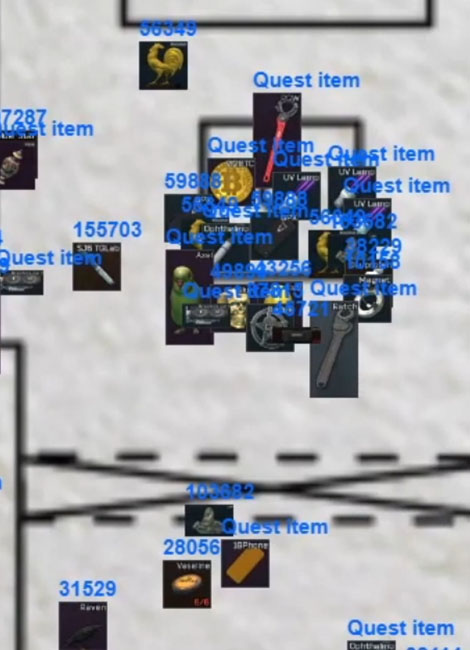
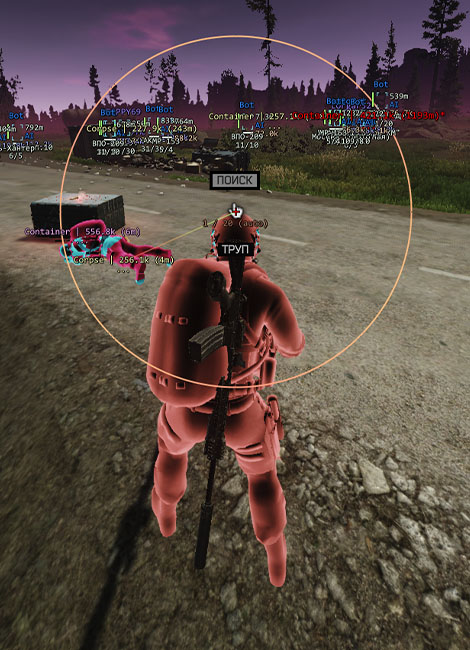
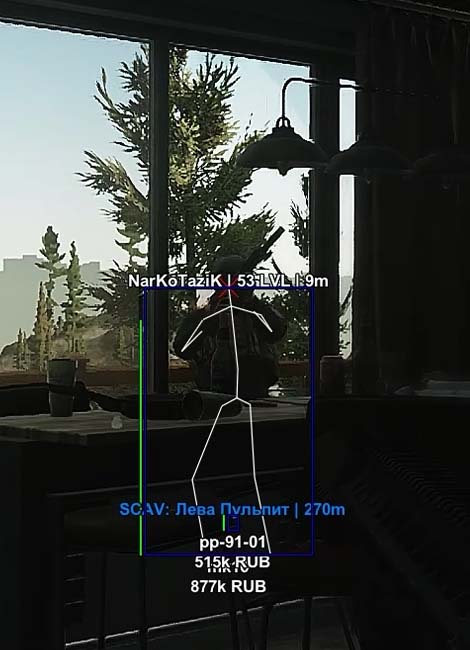
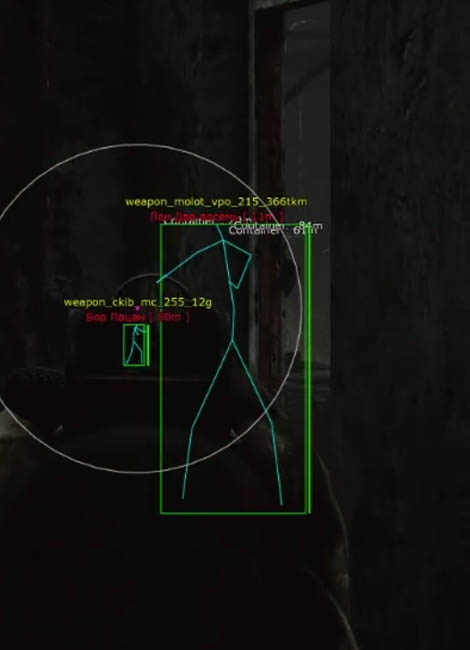
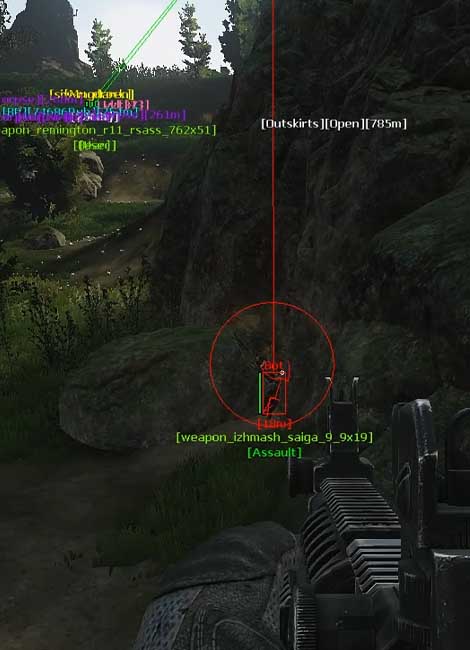
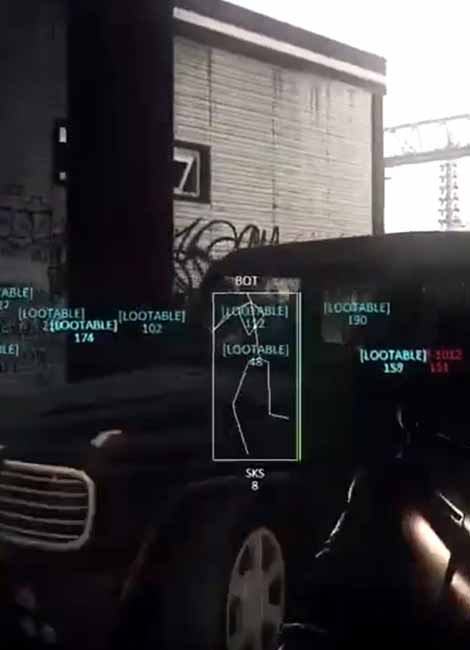
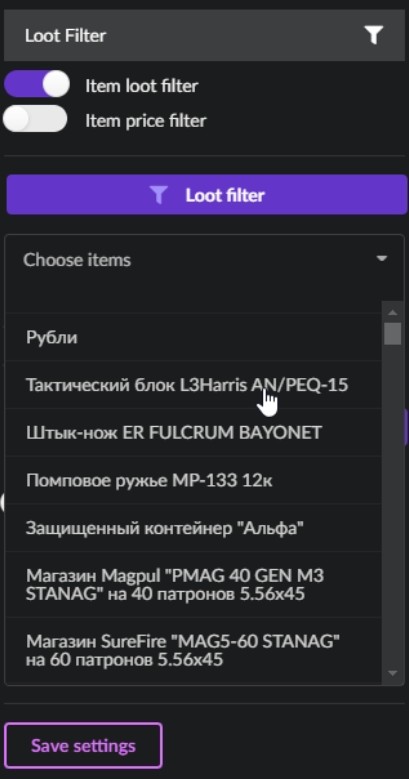
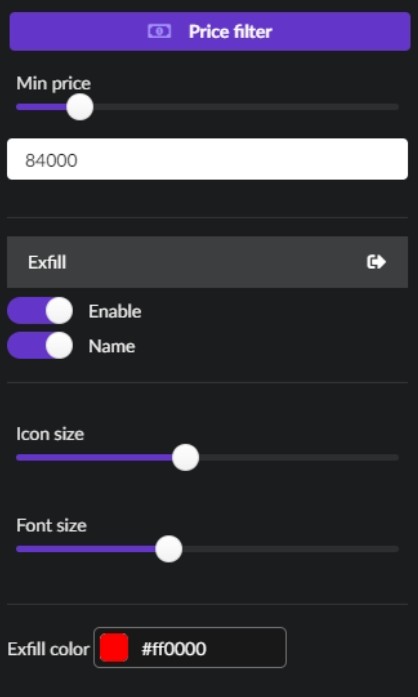
In the second screenshot above you can see the menu with features, you can enable players, player names, loot and its price, and icon size. You can sort loot in the tags menu, which serves as a loot category or special loot. When connecting to a game on a specific location, additional tags will load which you can enable, everything is intuitive - need helmets, enable and all helmets are displayed, etc. We want to note that the radar is not embedded in the game. Your browser opens, in the browser you get a link that you can use on any device, even share with a friend, there are also various programs that can display windows on top of the screen, these programs are at your own risk. If you have a second monitor or it's not difficult for you to use radar with a phone, it will already be convenient and comfortable.

Select map - Map selection

  • Factory - Factory
  • Customs - Customs
  • Woods - Woods
  • Shoreline - Shoreline
  • Interchange - Interchange
  • Lab - Labs
  • Reserve - Reserve
  • LightHouse - Lighthouse
  • Streets of Tarkov - Streets of Tarkov
  • GroundZero - Ground Zero

Player - Players

  • Enable Player - display players
  • Player name - display player names
  • Player icon size - icon size for players
  • Player Font Size - font size for players
  • Team Icon Color - teammate icon color
  • Enemy Icon Color - enemy icon color
  • Bot Icon Color - bot icon color
  • Name Color - player text color

Corpse - dead

  • Enable Corpse - display dead
  • Enable Corpse name - display dead names
  • Corpse icon size - icon size for dead
  • Corpse Font Size - font size for dead
  • Corpse Icon Color - dead icon color

Loot - loot

  • Enable Item - display loot
  • Enable Item Name - display loot names
  • Item icon size - icon size for loot
  • Item Font Size - font size for loot
  • Enable Container - display containers
  • Enable Container Name - display container names
  • Container icon size - icon size for containers
  • Container Font Size - font size for containers
  • Item Icon Color - loot icon color
  • Container Icon Color - container icon color

Loot Filter - loot filter

  • Item Loot Filter - enable loot filter by items
  • Item Price Filter - enable loot filter by price
  • Select Item - select items to display
  • Select price - set minimum price for loot display

Exfil - extract

  • Enable Exfil - enable extract display
  • Enable Exfil Name - enable extract name display
  • Exfil icon size - set extract icon size
  • Exfil Font Size - set extract font size
  • Exfil Icon Color - set extract icon color
  • Save Settings - save menu settings

Quest helper - quest helper

  • Enable Quest - enable quest helper
  • Quest Info Window - show window with task info for active quest
  • Enable Marker - display markers
  • Enable Marker Name - display marker names
  • Hide Complete Marker - hide markers for completed tasks

Aggression level of this cheat - What does this mean?
5%
Detection chance (excluding reports) - Read about this Read more
3%

Available Plans

If the product can be purchased, it means it's working. If all plans show: "This product is out of stock. Subscribe for restock notification." — the seller has disabled sales due to a game update. >Read more about statuses
<

400 RUB
1 day
Start Purchase
2000 RUB
7 days
Start Purchase
3000 RUB
30 days
Start Purchase